Your account settings are on the Settings page. Open the avatar menu in the top right and click Settings.
See your name and email
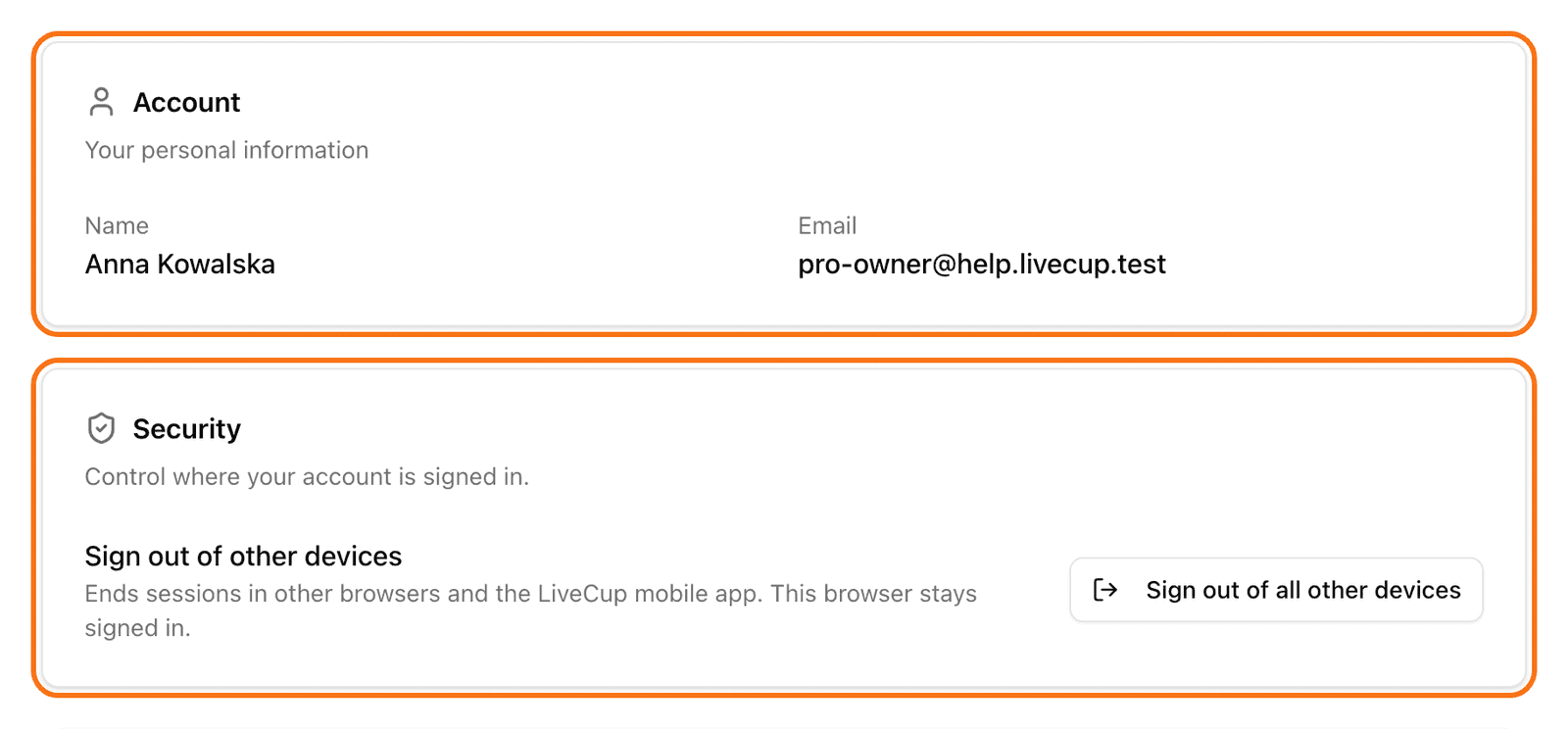
The Account card shows your Name and Email. You cannot edit them on this page. If you need a change, send us a ticket with the category Account Issue. See Contact support.
Change the language
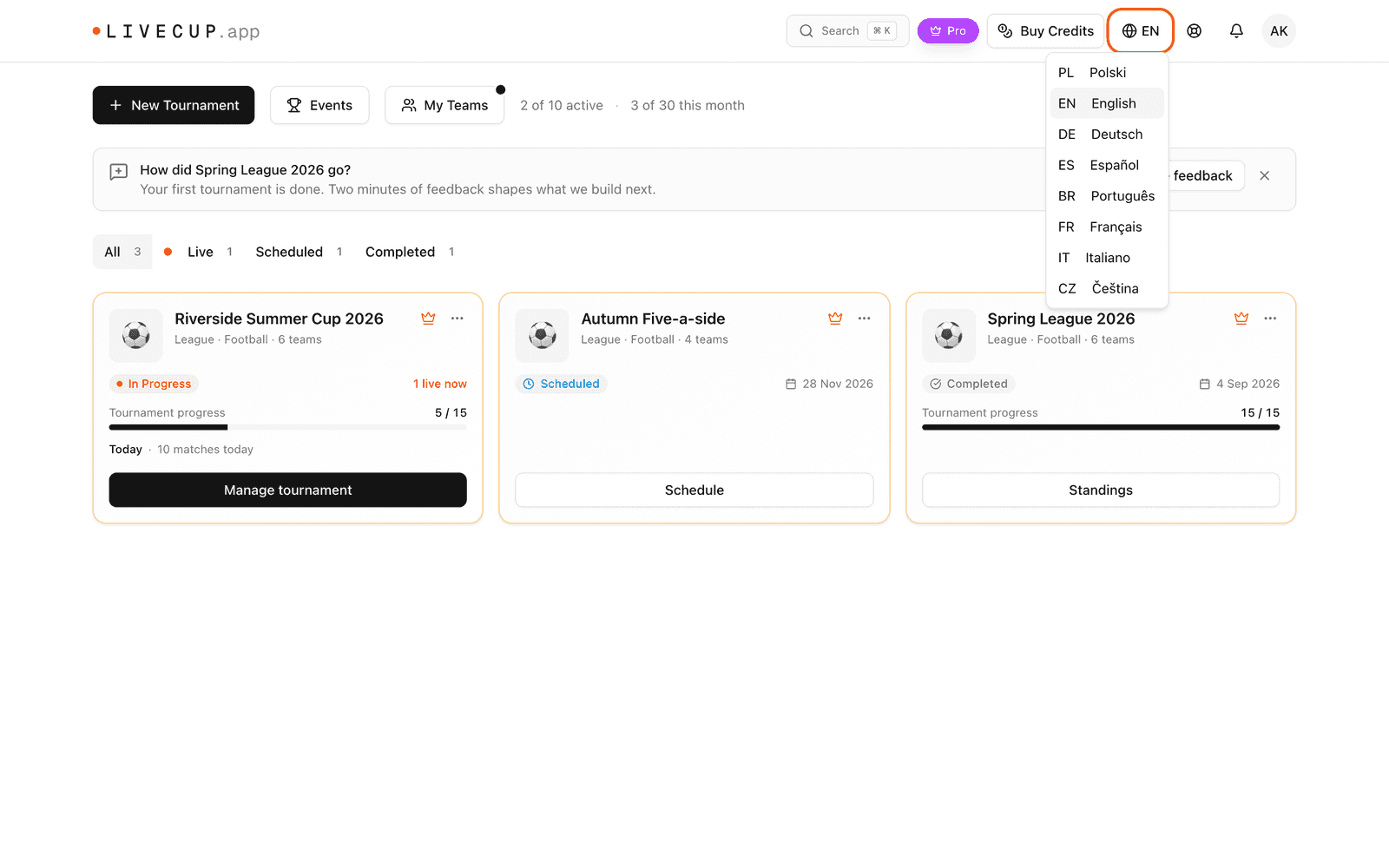
On a computer, click the globe button in the top bar.
On a phone, open the avatar menu and click Language.
Choose your language.
LiveCup.app has 8 languages: Polski, English, Deutsch, Español, Português, Français, Italiano and Čeština. We remember your choice.
Reset your password
There is no password form in Settings. You reset it from the login page.
Log out.
On the login page, click Forgot password?.
Type your email and click Send reset link.
Open the email and click the link.
Type your New password and save.
Log in with the new password.
If you sign in with Google, you do not have a LiveCup.app password. Use Continue with Google.
Sign out of other devices
Open Settings.
In the Security card, click Sign out of all other devices.
Confirm with Sign out other devices.
This browser stays signed in. Other browsers and the mobile app are signed out.
Delete your account
Open Settings.
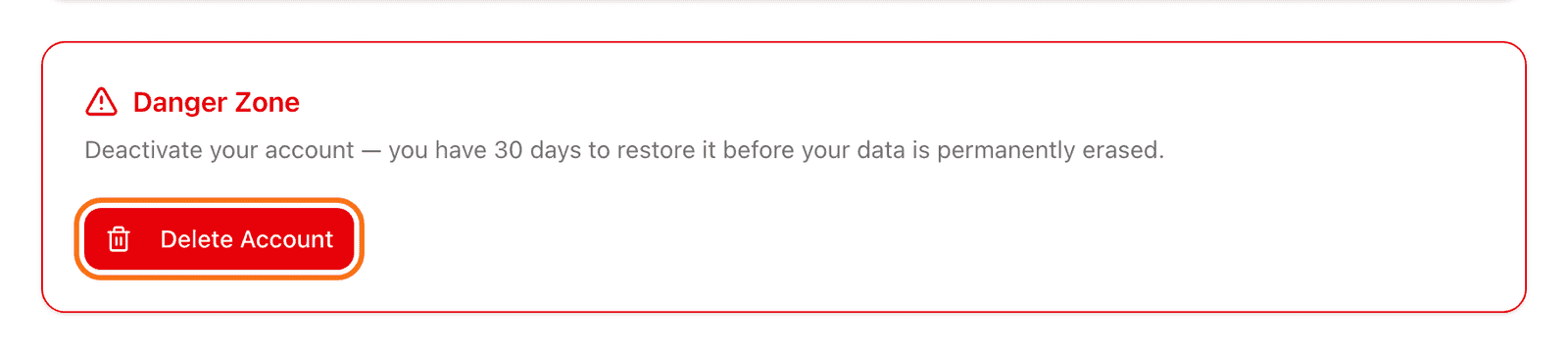
Scroll to the Danger Zone.
Click Delete Account.
Read the message and click Yes, delete my account.
An active subscription is cancelled right away. It does not come back if you restore your account. You must buy it again.
Your account is deactivated now. It is deleted for good after 30 days. Until then you can log in and click Restore account. Invoices and payment records are kept as long as tax law requires. Published tournament results stay online.