All these actions are on one page. Click Settings, then Danger Zone on your event.
End the event
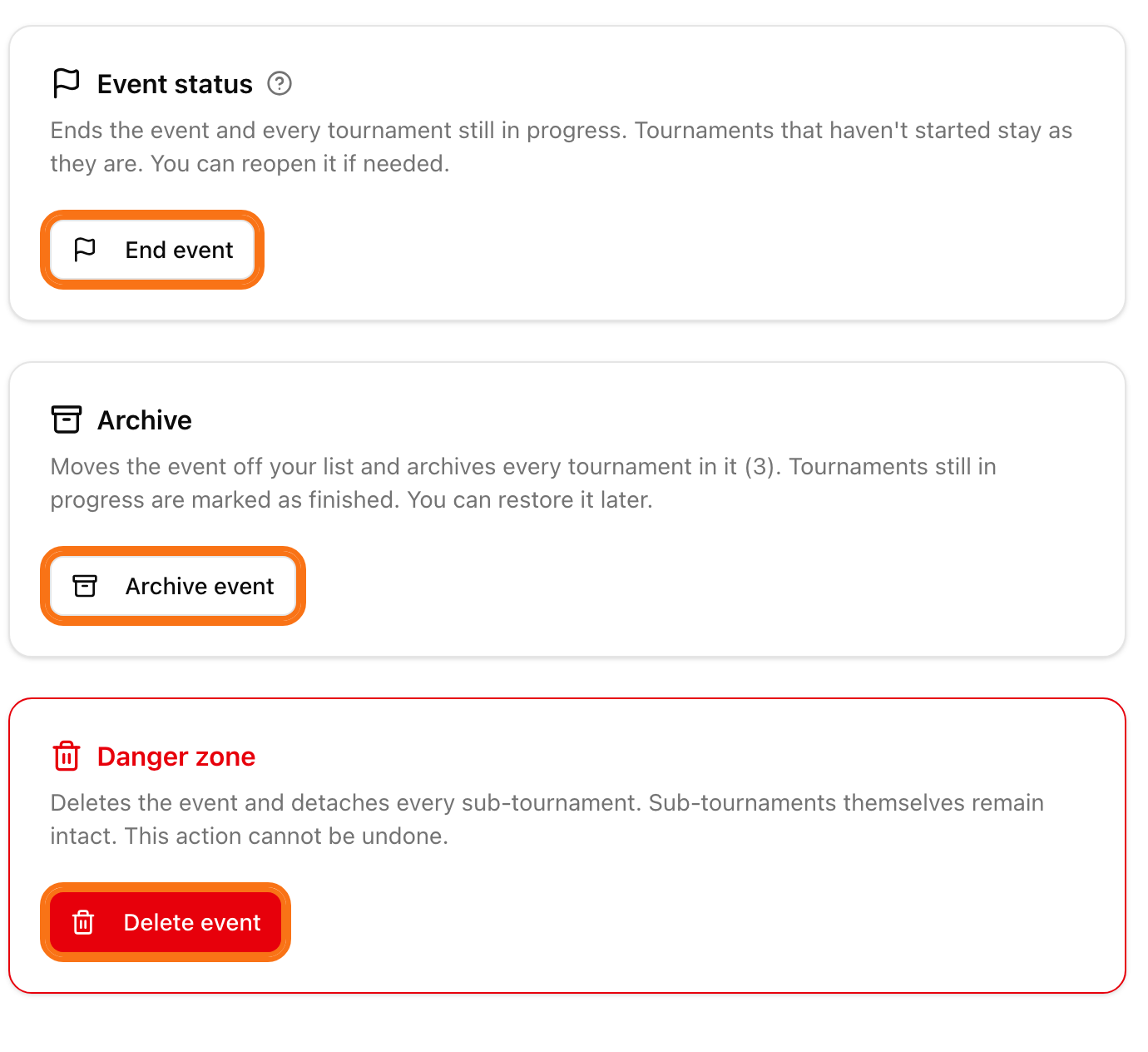
In the Event status card, click End event.
Confirm with End event.
The event is marked as finished. Every tournament that is in progress is finished too. Tournaments that have not started stay as they are. All results stay.
Reopen the event
You made a mistake and want to correct a result? In the Event status card, click Reopen event. The event and its finished tournaments go back to in progress. A tournament that already has a final stage generated stays finished.
Archive the event
In the Archive card, click Archive event.
Confirm with Archive.
The event leaves your main list and all its tournaments are archived. Tournaments still in progress are marked as finished. Results stay. Find it in Events under the filter Archived.
To bring it back, click Restore from archive. Restoring does not change the status. To use Reopen event on an archived event, restore it first.
Delete the event
Deleting cannot be undone.
In the Danger zone card, click Delete event.
Confirm with Delete.
The event is deleted. Its tournaments are not deleted. They become normal tournaments again.
To take out just one tournament, use Remove from event on its card. See create an event. To archive or delete a single tournament, see archive or delete a tournament.