You need a free account to create tournaments. Sign-up takes less than a minute.
Sign up with your email
Open LiveCup.app and click Register.
Type your Name, Email, and Password. The password needs at least 6 characters.
Check the Country. LiveCup.app picks it for you. Change it if it is wrong.
Click Register.

You are logged in right away. LiveCup.app opens your dashboard.
The form also has two optional fields: Referral code (optional) and Subscribe to newsletter. You can leave both empty.
Sign up with Google
On the register page, click Continue with Google.
Choose your Google account.
Your account is ready and your email counts as confirmed.
Confirm your email
After you sign up with email, LiveCup.app sends you a message. A banner at the top of your dashboard says: "Confirm your email address to secure your account."
Open the email and click the link.
No email? Click Resend email in the banner.
Click Dismiss to hide the banner.
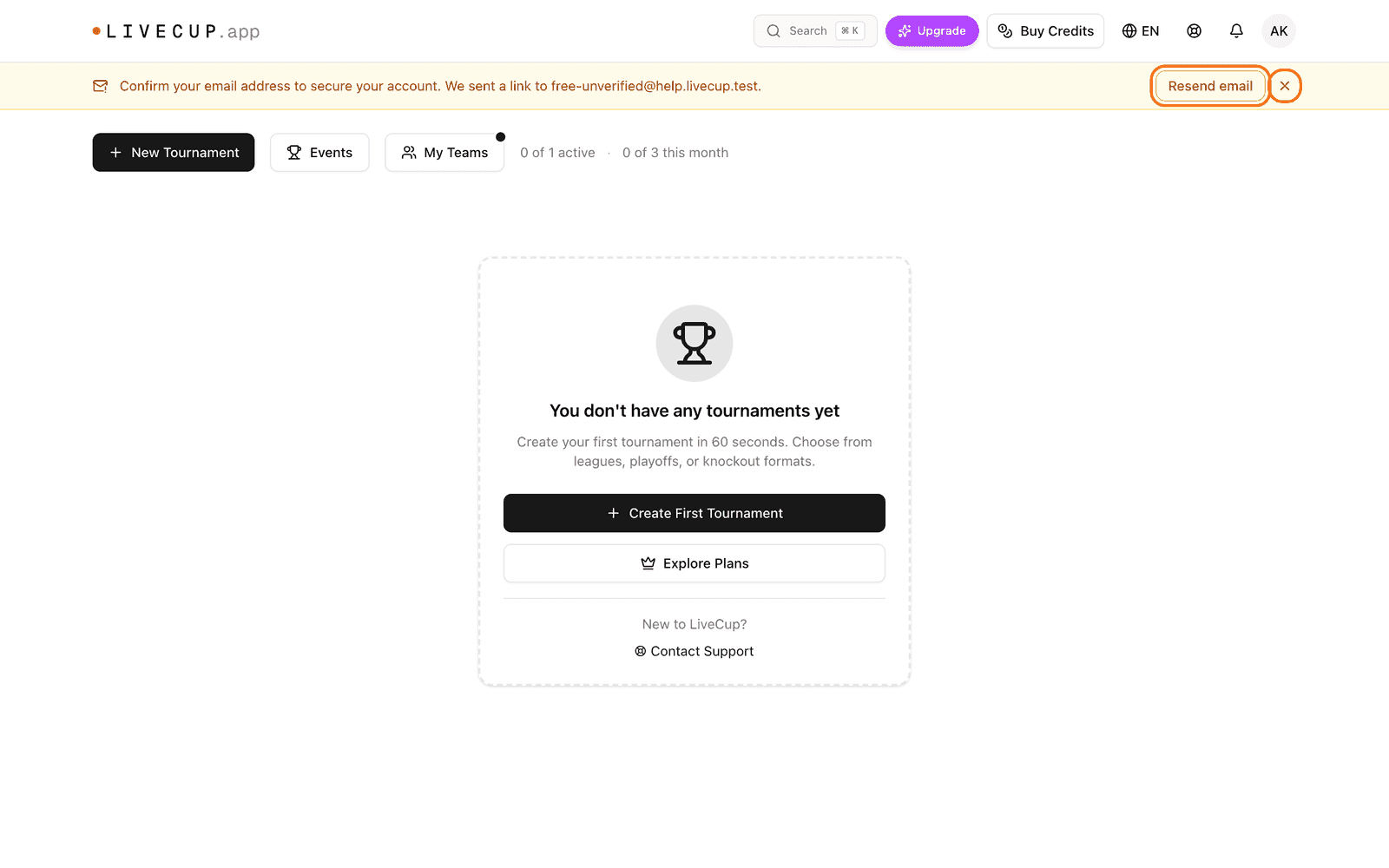
You can create a tournament before you confirm your email. Confirming only makes your account safer.
What next
Click Create First Tournament on the empty dashboard. Or read how to create your first tournament.