Your table is built from points. Here you choose how many points each result gives. You also choose who goes first when two teams have the same points.
These settings appear for League, Groups + Playoff and Swiss tournaments. A Cup (knockout) has no points table.
Change the points
Open your tournament.
Click Settings.
In the left menu, click General.
Scroll to Scoring.
Type the points in For win, For draw and For loss.
Click Save changes.
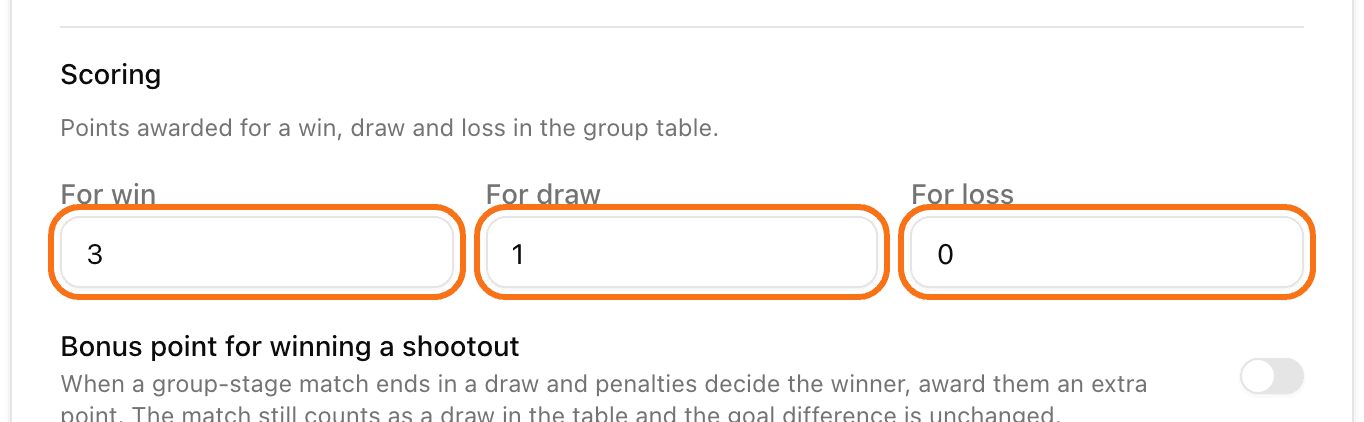
If the tournament is already running, LiveCup.app asks Recalculate the table? Click Recalculate. The table and the TV screen update at once for all matches already played.
Some matches end in a draw but are decided on penalties. Turn on Bonus point for winning a shootout to give the shootout winner an extra point. Then fill in Shootout winner and Shootout loser. The match still counts as a draw in the table.
Change the tiebreaker order
When two teams have the same points, LiveCup.app checks the rules one by one, from the top.
On the same General page, scroll to Tiebreaker rules.
Use the up and down arrows to move a rule higher or lower.
Use the switch next to a rule to turn it on or off. Turned-off rules are greyed out and sit at the bottom. The arrows work only on rules that are on.
Click Save changes.
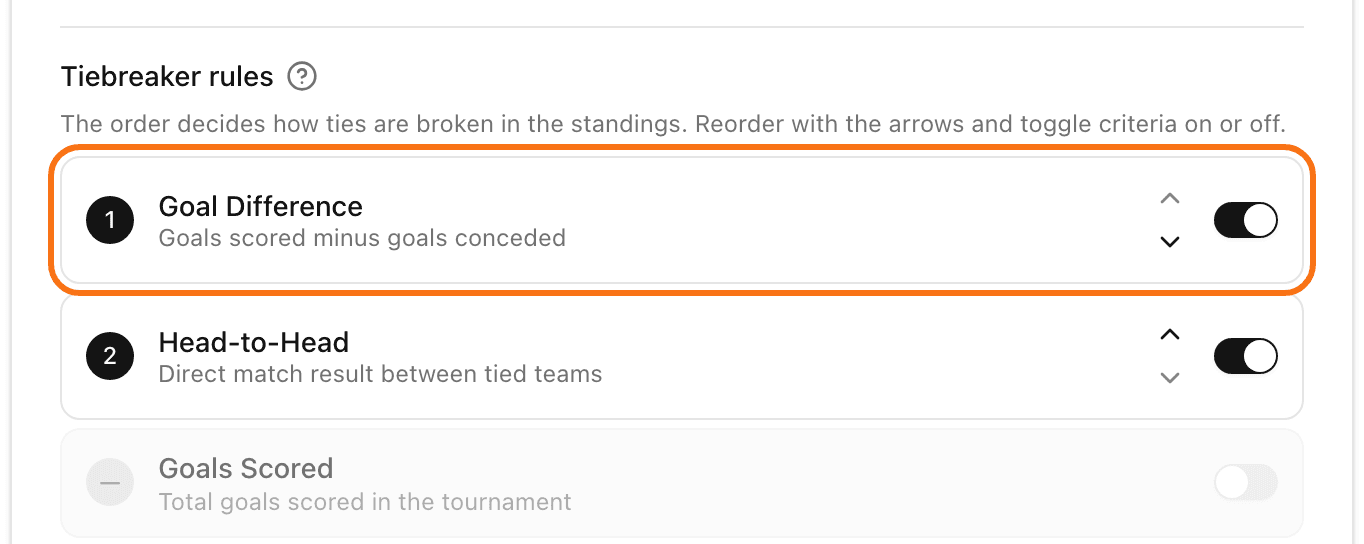
The rules you can choose from are Goal Difference, Head-to-Head, Goals Scored and Number of Wins. Chess tournaments also have Buchholz, Sonneborn-Berger and Koya System. Rugby tournaments also have Tries Scored. In sports that count points instead of goals, the names show as "Point Difference" and "Points Scored".
At least one rule must stay on.
You cannot change scoring or tiebreakers when the tournament is finished. In Groups + Playoff, they are also locked after the playoff bracket is drawn, because the bracket is built from the table.